Skip to content
NAMEFRAMECommercial PreviewApply for Pilot
Synthetic data for computer vision · Unreal Engine

Build the synthetic data your vision model is missing.

NameFrame is an Unreal Engine synthetic data generator for computer vision teams. Rare events, unsafe situations and controlled edge cases are hard to collect in the real world; NameFrame turns controlled 3D scenes into reproducible datasets with engine-derived ground truth.

Frame the world.Name the frames.

Bounding boxes · Instance masks · Depth in metres · Camera metadata

Commercial Preview · UE 5.8 verifiedApply for Private Pilot

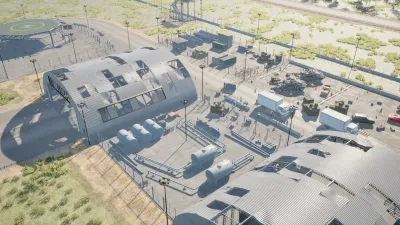
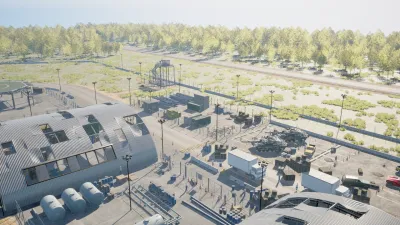
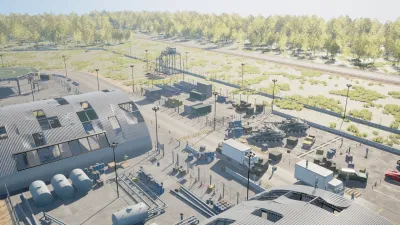
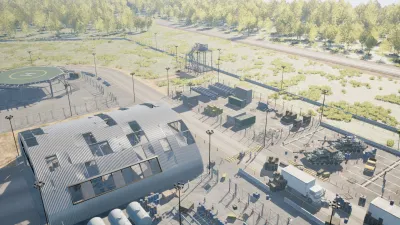
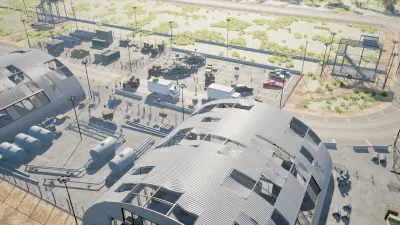
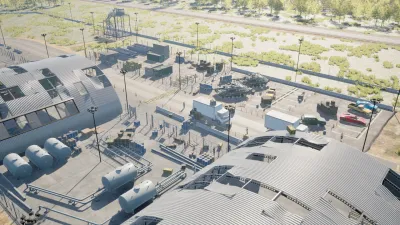
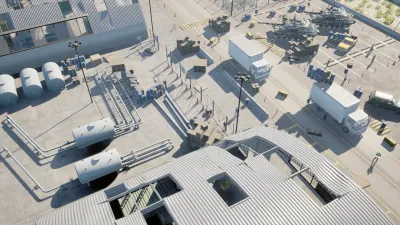
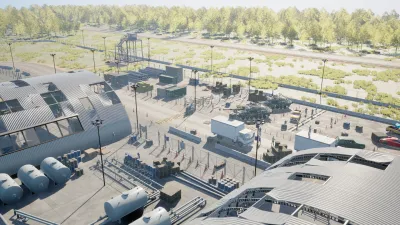
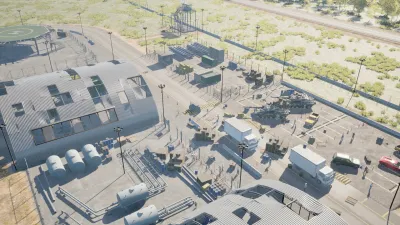
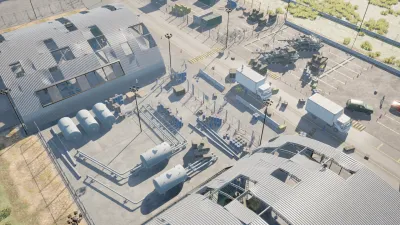
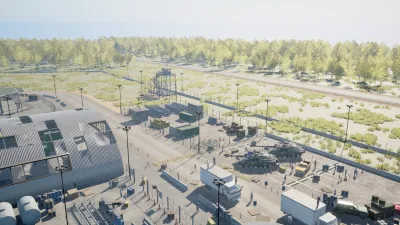
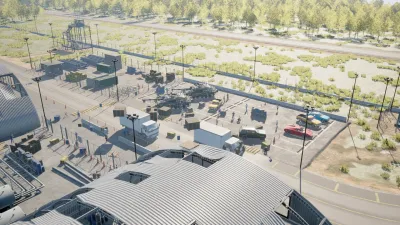
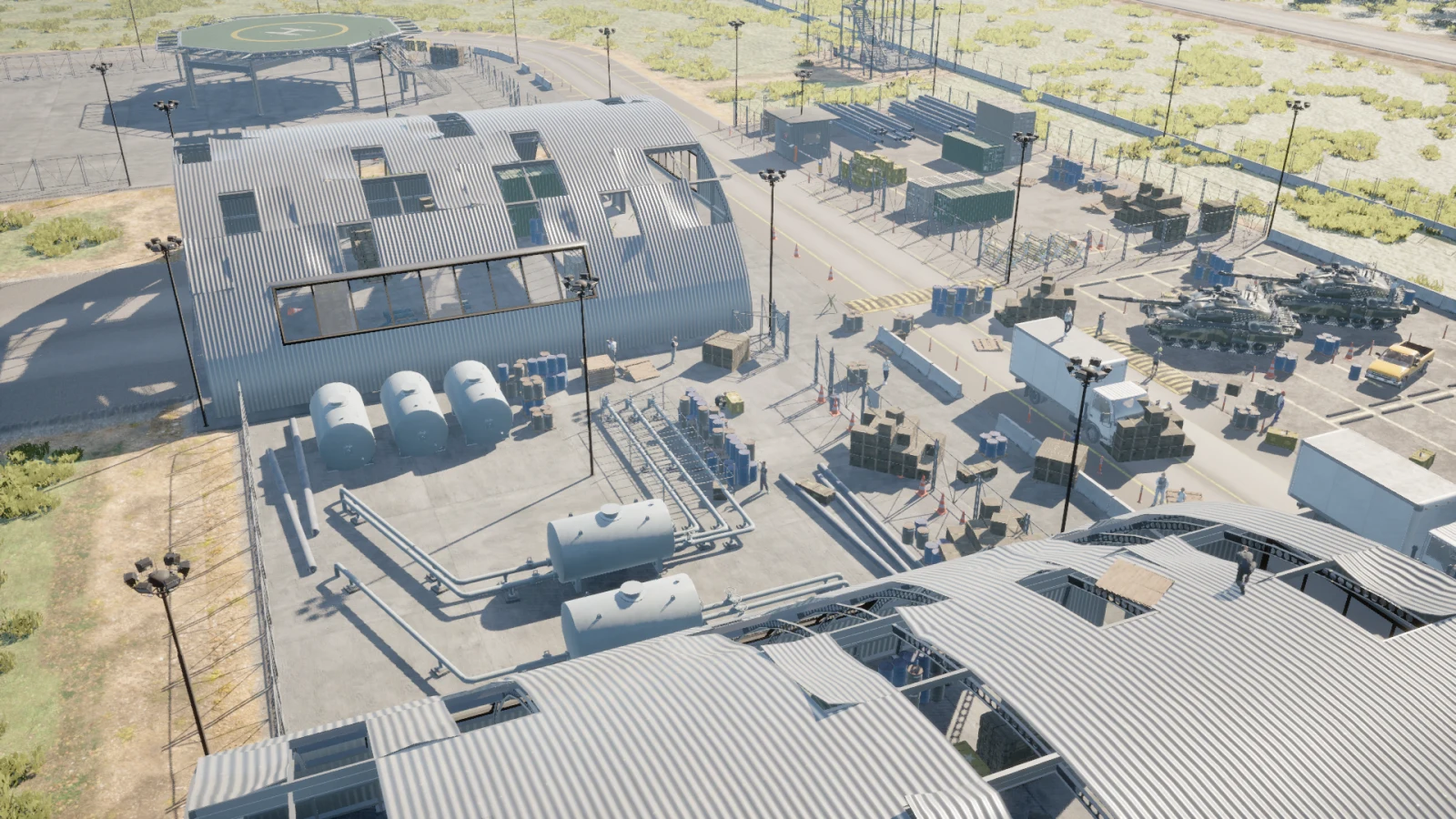
Rendered frame plugin_000004 from the Map_Airbase_Demo scene
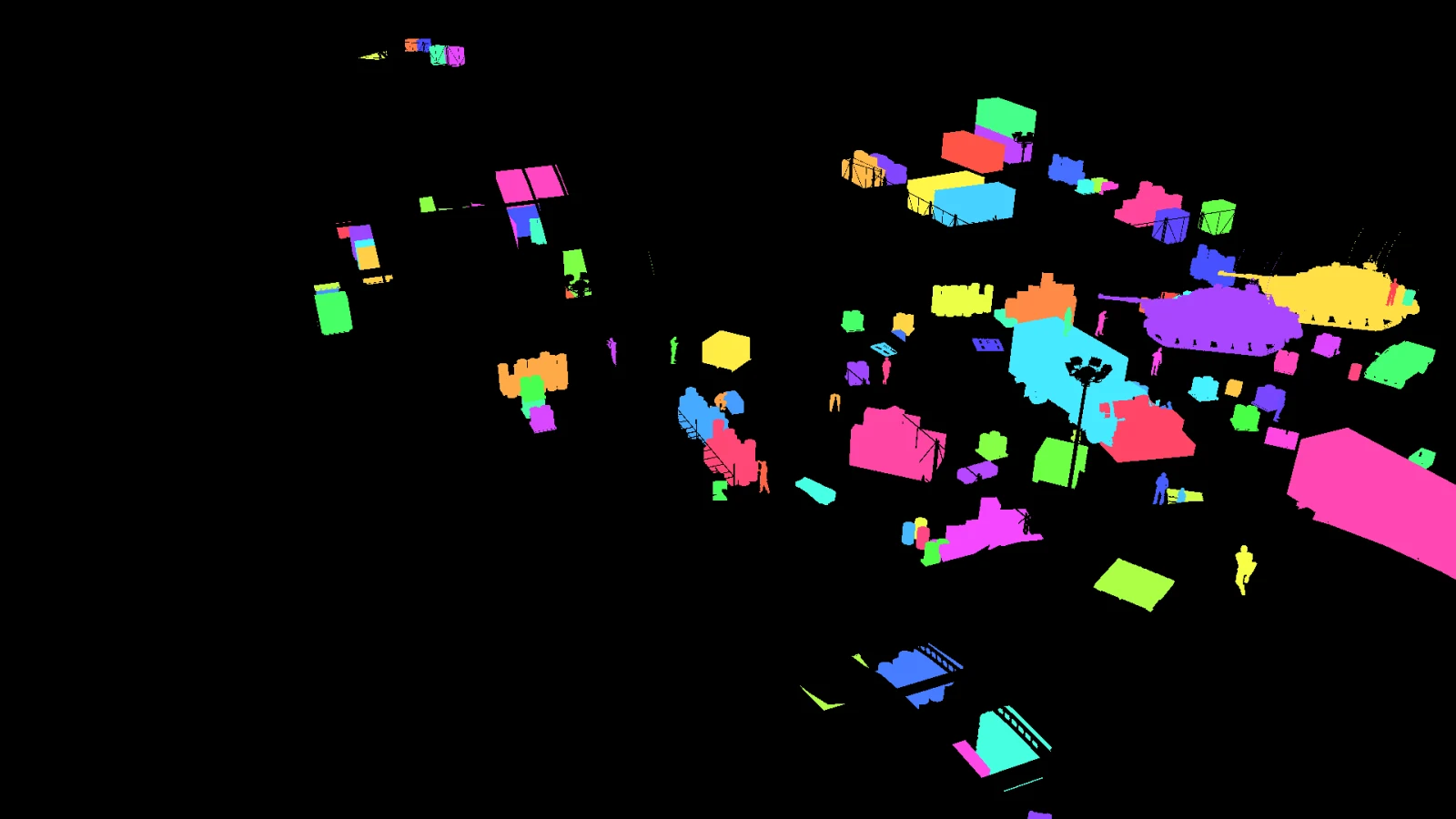
Per-instance ID buffer for the same frame
RGBINSTANCE
Frame 000004cam_0105 instances · 6 classesDepth 24.8194.7 mDrag or use arrow keys
The problem

The data your model needs most is usually the hardest data to collect.

Not because collecting data is hard in general. Because the specific frames that would fix a specific failure tend to be rare, unsafe, expensive to label, or impossible to reproduce twice.

Rare events

Rare cases do not happen on schedule

Near misses, unusual viewpoints, extreme occlusion and uncommon failures are often the cases a model needs most, and the ones that appear least often in collected data. Waiting for them is not a plan, and staging them is sometimes dangerous.
Annotation cost

Annotation scales badly

The reference capture on this site averages 109 annotated instances per frame. Boxes take time; pixel masks take a great deal longer. And the labels themselves become another source of uncertainty, because two careful annotators will disagree about where a boundary goes.

Controlled variation

Real-world variation is hard to control

Change the weather, the camera position or the object density outdoors and a dozen other variables move with them. An experiment you cannot hold still is an experiment you cannot repeat, and a result you cannot attribute.

A 3D world is different.

Unreal Engine already knows where every object is, which pixels belong to it, where the camera is standing and how the scene was generated. It has to: a renderer that did not know those things could not draw the frame at all.

Where ground truth comes from

The world already knows what is in it.

In Unreal Engine, objects already have identities, transforms, geometry and camera relationships. NameFrame turns that scene knowledge into structured ground truth instead of asking a human to reconstruct it afterward.

  1. 01

    3D Actor

    The object already exists in the level, with a class, a transform and geometry.

    StaticMeshActor_596
  2. 02

    Logical Instance

    NameFrame gives it a stable identity that survives weather, time and camera changes.

    car / 050
  3. 03

    Pixels

    The engine writes an ID buffer, so the instance owns an exact set of pixels.

    26,339 px
  4. 04

    Annotation

    The box is measured from those pixels. Occluded instances shrink; hidden ones drop out.

    88, 52, 12, 18
  5. 05

    Metadata

    Distance, class and instance id ship with the frame, not in a separate spreadsheet.

    61 m from cam_0

Traced through one real instance from frame 000004 of the Map_Airbase_Demo capture. Nothing on this list was typed in by hand.

How engine-derived ground truth works

One frame, start to finish

From a scene you built to a dataset you can check.

  1. SCENE

    It starts as a scene, not a photo

    Every object in the level is already a known thing with a known position. That is the raw material, and it exists before a single pixel is rendered.

  2. RGB

    The camera renders the frame

    A calibrated camera writes the image. Lens, sensor, exposure and weather are all part of the recipe, so the same recipe renders the same frame again.

  3. INSTANCE IDS

    Every instance owns its pixels

    Alongside the render, the engine writes a per-instance ID buffer. Two identical crates side by side are still two different instances, because the buffer says so.

  4. SEGMENTATION

    Instances collapse into classes

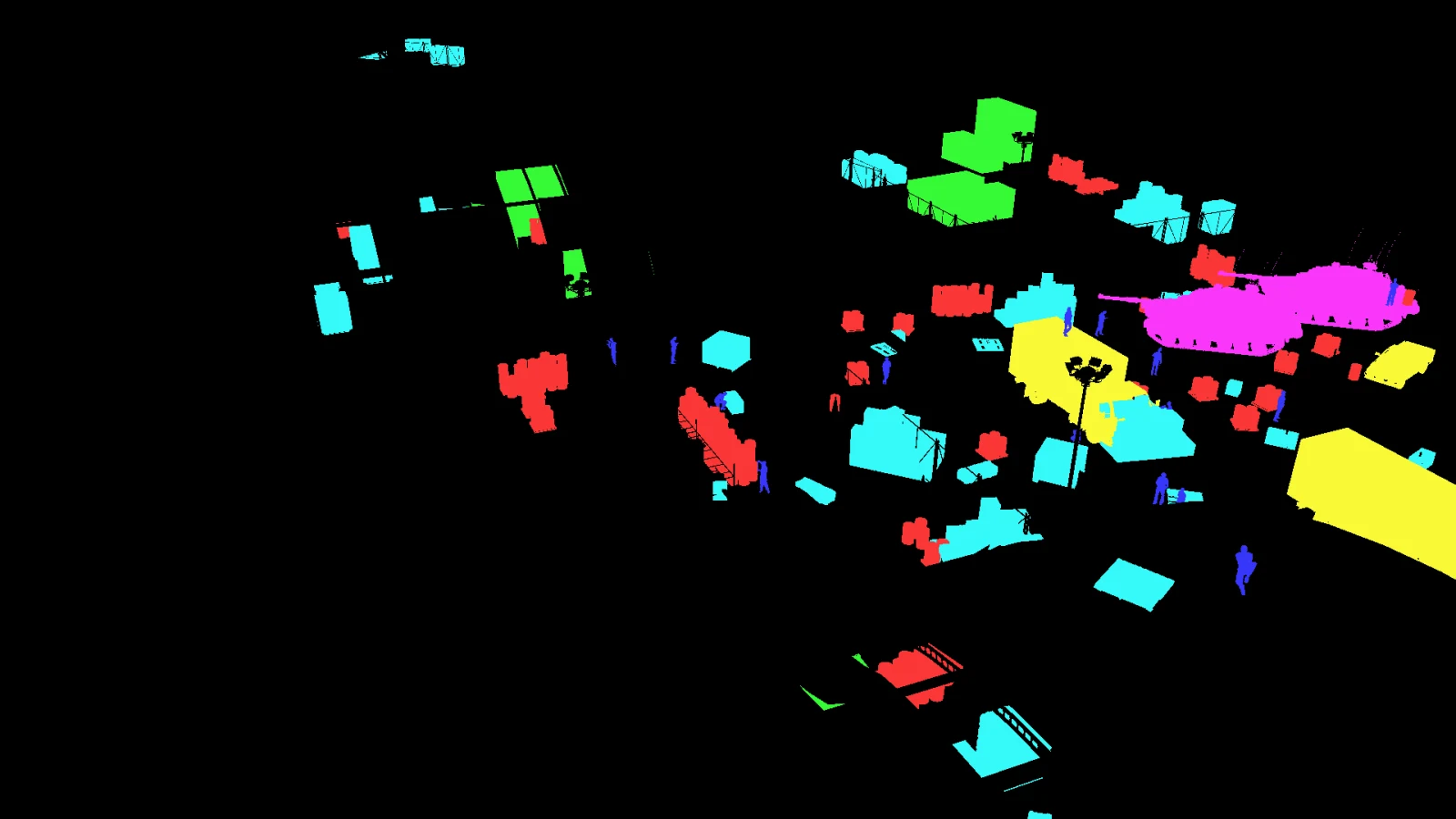
    Ask the same buffer a different question and it answers with classes. No second pass, no model, no guessing which pixel belongs to what.

  5. BOUNDING BOXES

    Boxes are measured, not drawn

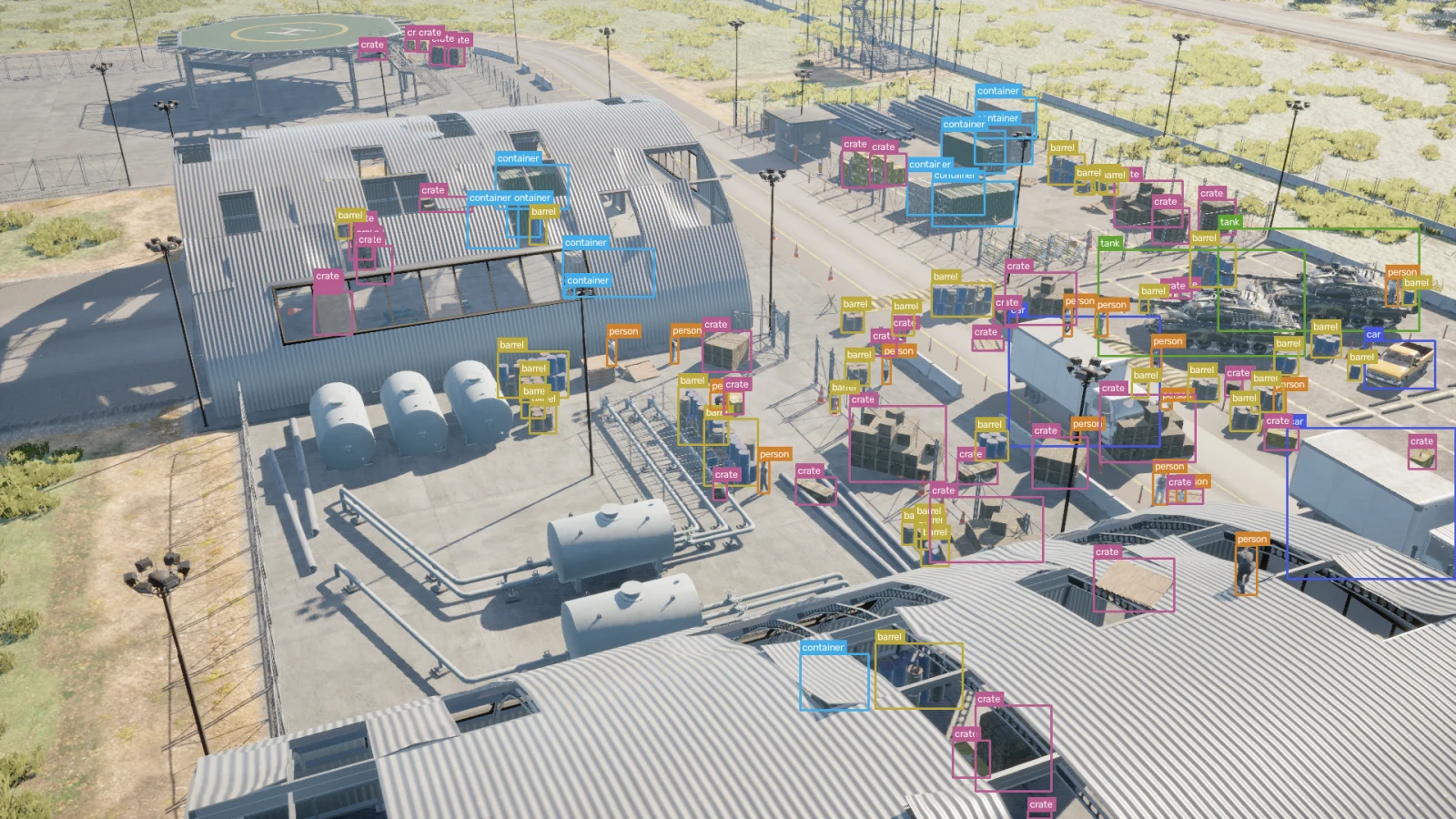
    Each box comes from the pixels the instance actually holds. An object half behind a hangar gets the smaller box it deserves, and one fully hidden is dropped.

  6. METADATA

    The frame carries its own record

    Class, instance id, distance, camera, seed and the full configuration travel with the frame. When a label looks wrong you can go back and see exactly what produced it.

  7. DATASET

    Then it happens a few thousand more times

    Change the camera, the population, the weather or the time of day, and the identities hold. That is the difference between a render and a dataset.

Control the world

Don’t collect whatever happens. Generate what you need.

A capture recipe is a description of the conditions you want, not a recording of the conditions you got. Four things are yours to set.

01

Population

Choose which objects appear, where they appear, how densely, and which of them belong together. Crowds around a vehicle, crates against a wall, workers where work happens.

  • classes
  • count / density
  • spawn zones
  • groups
  • relative anchors
02

Camera

Set distance, altitude and orientation, or hand over a zone and let it sample within it. Viewpoints that would produce nothing usable are rejected before they cost a render.

  • camera zones
  • focal length
  • sensor size
  • altitude band
  • look-at bearing
03

Environment

Move the sun, roll in weather, switch to night. The pixels change completely and the annotation identities do not move at all, which is the whole point.

  • time of day
  • weather profile
  • Ultra Dynamic Sky
  • precipitation
  • exposure
04

Appearance

Vary materials, animation state and pose from a seed, so a rerun of the same recipe produces the same variation rather than a new one.

  • material sets
  • animation state
  • pose seed
  • lens profile
Spawner

Build distributions, not just scenes.

Placing a hundred objects by hand gives you one scene. Describing how they should be distributed gives you every scene you were going to need after that.

SURFACEPlan view · diagram

Actors are placed across a region and settle on the surface they land on, so nothing floats and nothing sinks into the ground.

54 placements

One frame, more than one image

A generated frame is a structured observation, not just a PNG.

Every capture writes these together. They are aligned by construction, because they come out of the same render rather than being reconciled afterwards.

RGB output for frame plugin_000004RGB
The render itself, at the recipe's resolution and lens.
INSTANCE output for frame plugin_000004INSTANCE
A distinct id per object. 105 of them in this frame.
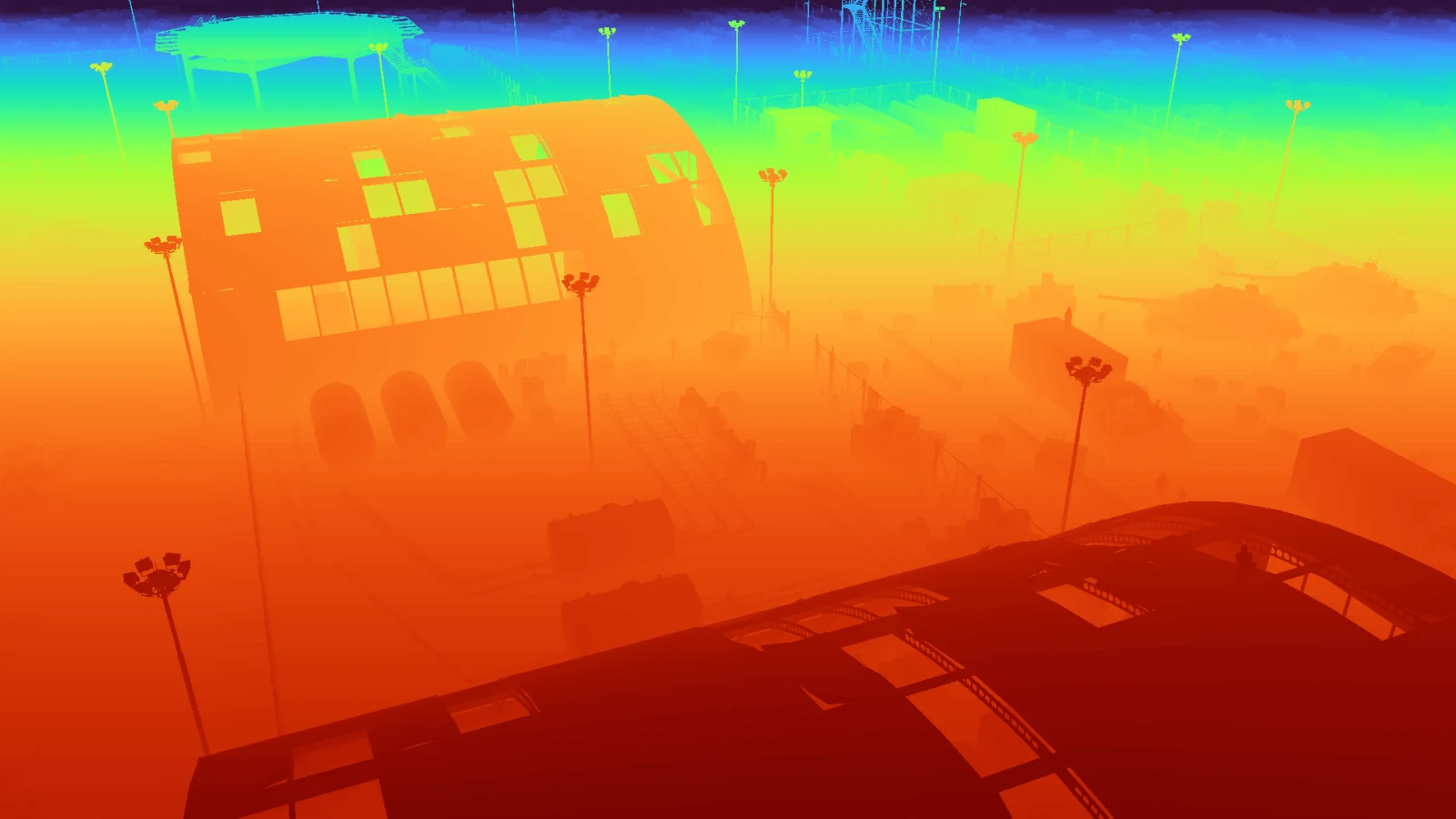
DEPTH output for frame plugin_000004DEPTH
Metres per pixel, 24.8 to 194.7 here.
BBOX output for frame plugin_000004BBOX
Boxes measured from the ID buffer, occlusion included.
METADATA
  • barrel33
  • car3
  • container11
  • crate41
  • person15
  • tank2
Class, instance id, distance, camera and the configuration that produced them, written next to the images.

Instance segmentation in Unreal Engine Metric depth maps from Unreal Engine How the bounding boxes are measured Camera metadata and intrinsics

Trust

Synthetic data is only useful if you can trust it.

A generated dataset is a claim about a world that never existed. The only thing that makes it worth training on is the evidence that it was produced the way it says it was, and that the labels match the pixels.

  1. 01

    Deterministic seeds

    One master seed drives every placement decision. It is written into the capture and into each frame's own spawn manifest, so a frame can be traced back to the number that produced it.

    seed 67
  2. 02

    Configuration snapshots

    The complete configuration is hashed and stored beside the frames. If the scene, the classes or the camera policy changed, the hash changes with them.

    e940fe63a119
  3. 03

    Fail-closed validation

    Gates run against the finished capture and have to pass before it becomes a dataset. A run that fails one stops there rather than exporting something that looks fine.

    7 gates
  4. 04

    Annotation verification

    Labels are checked against the geometry that produced them: every blob is matched to the actor position it should have come from, and identity colours are checked for collisions.

    pixels vs transforms
  5. 05

    Reproducible run evidence

    Each frame keeps its own manifest, and the manifests are checked against the run index. What was asked for, what was placed and what was refused all stay on disk.

    40 manifests
Frame evidence
FRAMEplugin_000004
MAPMap_Airbase_Demo
CONFIGe940fe63a119
MANIFESTf0c3ecffaa0c
SEED67
CAMERAsunlit_far · 8 attempts
STATUSACCEPTED

Verification recorded when this capture was labelled. Quoted as written.

  • determinism2 frames labelled twice, byte-identical
  • configuration-snapshot-integrityconfiguration snapshot verified (e940fe63a1198cb9abc634330de558b19de566e60ec4c6fa0043b71001110f9e)
  • spawn-manifest-integrity40 frame manifests and index agree; 3360 candidates, 0 rejected with reasons
  • color-collisions289 colours across 289 classes, no collisions
  • pixels-vs-transforms197 blobs match their recorded actor positions
  • missing-visible-people3/90 visible people have NO box (3.3% false negatives, likely cross-paint victims): 41, 35, 24

One check did not pass on this run, and the report says so. Three of ninety visible people lost their box to a neighbouring instance’s colour. That is a 3.3% false-negative rate on the person class in this capture, and it is the kind of thing you only find by checking the pixels against the geometry.

Preview

See the dataset before you commit to the run.

A generation run is the expensive part. Everything that can go wrong in one can be found before it starts, so NameFrame puts three cheap steps in front of it instead of a single button that either works or wastes an afternoon.

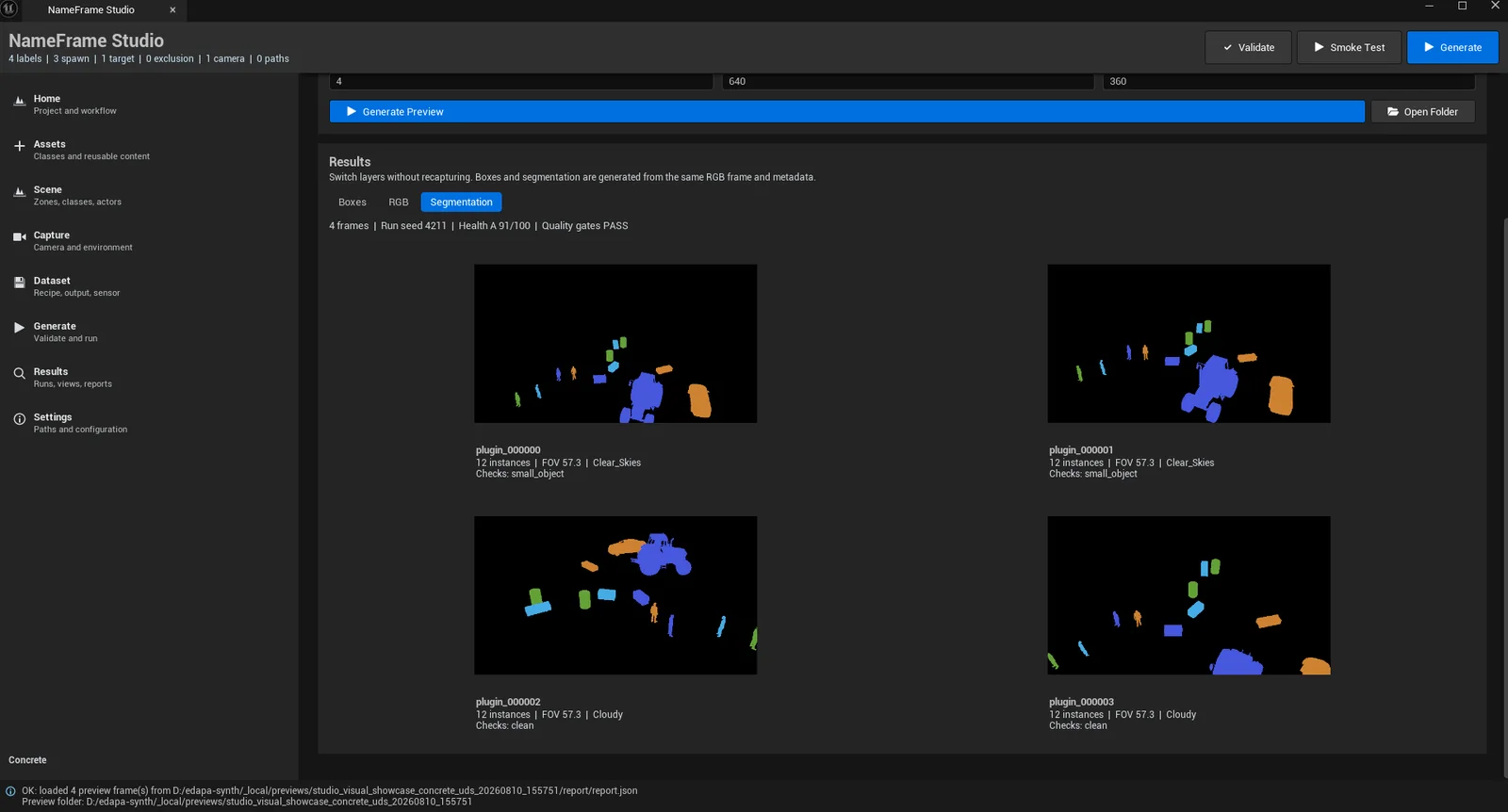
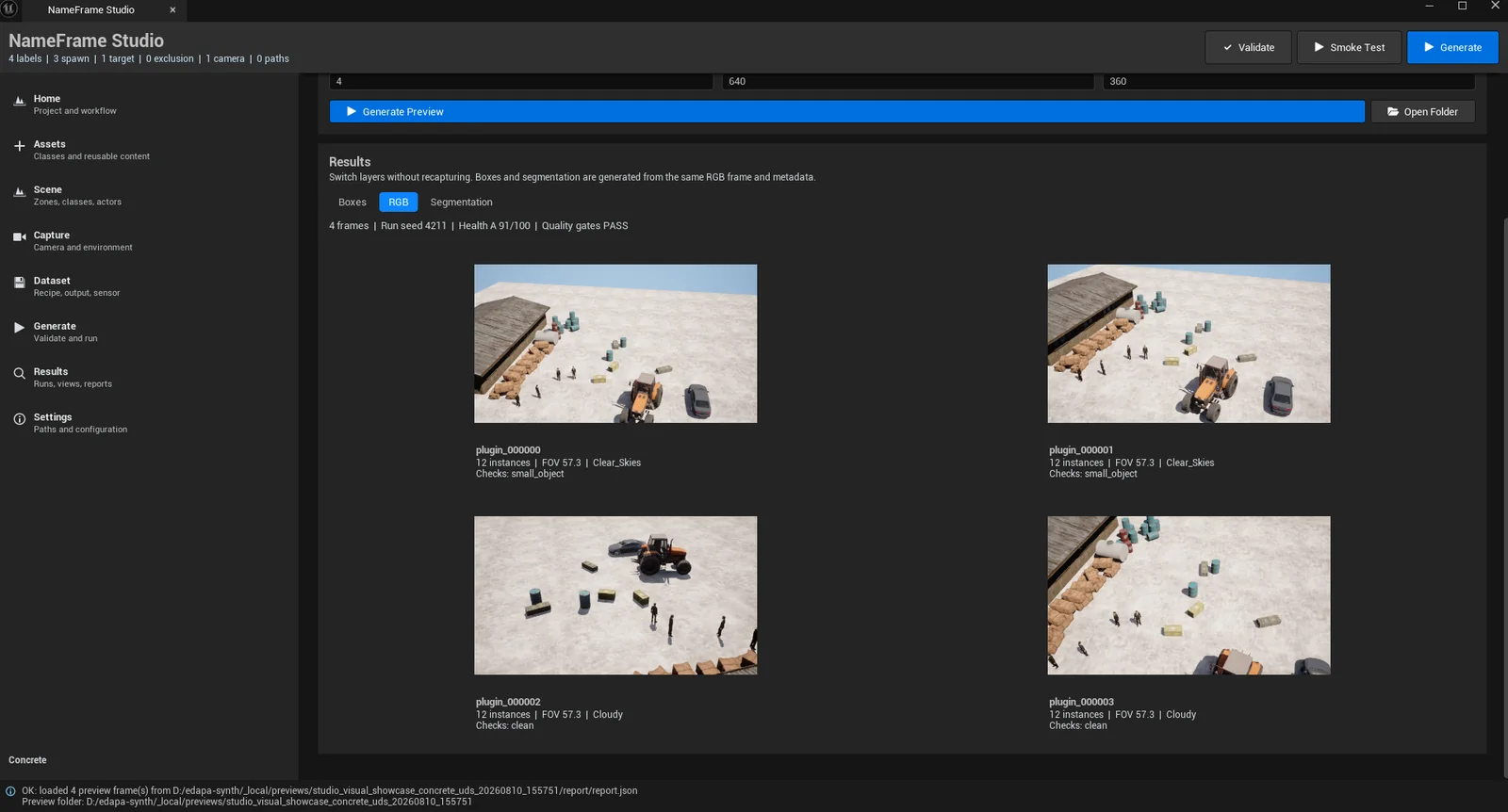
The Preview Lab showing the segmentation layer of four preview framesThe Preview Lab showing the rgb layer of four preview frames
NameFrame Studio, Preview LabUnretouched screenshot4 preview frames at 640×360, run seed 4211

The preview is a different, smaller run than the Map_Airbase_Demo capture the rest of this page uses. It reports its own seed, health grade and gate result on the same line as the frames, because a preview you cannot judge is only a picture.

Quality

More data is not the same as better data.

Ten thousand frames of the same view from the same distance is one frame, repeated. These are the real distributions of the 40-frame airbase capture this page has been showing, computed from its own buffers and manifests.

Measured
4,402
Min
33.19m
Median
78.87m
90th
108.06m
Max
187.81m

Every annotated instance, measured from the camera position to the actor's own recorded position. The run's cameras sit in four authored zones, which is why the mass falls between 40 and 120 metres rather than spreading evenly.

Why two different instance counts

The dataset publishes 4,378 annotations. The distributions above are computed from 4,402 measured instances. The difference is 24, and it is not an error in either.

They are two different questions asked of the same buffer, by two pieces of code with different rules. The scanner behind these charts counts every distinct identity colour covering at least 40 pixels. The labeller that produced the dataset applies its own thresholds: a minimum box side of 8 pixels, which 57 of the measured instances fall below, and a maximum aspect ratio of 6:1, which 2 exceed. It also reassembles fragmented objects, which the scanner does not.

Those rules do not add up to exactly 24 in either direction, and we are not going to pretend otherwise: reconciling the two pipelines exactly would mean running one of them twice. What matters for reading this page is which number describes what. Everything you download is the 4,378.

Target, actual, gap

Only constraints this run actually declared appear here. A target nobody configured would be a number invented for a table.

ConstraintTargetActualGap
Minimum spacing between placements≥ 1.00 m1.00 mmet
Viewpoint retries per frame≤ 329met
Targets visible per accepted frame≥ 1873met
Frames with no annotation00met
Output

Unreal goes in. A dataset comes out.

The engine writes a raw dump and nothing else. Everything a trainer consumes is derived from that dump afterwards, which is why the same run can be re-exported into a different format without going back to the editor.

SourceUNREAL

Map_Airbase_Demo · 40 frames · 1920×1080

On disk
  • raw/rgb.png, seg.png, depth.npy per frame
  • labels/boxes and masks derived from the ID buffer
  • metadata/frame.json, spawn_manifest.json, capture.json
  • reports/report.json, validation.json, previews
  • dataset.yamlclass names and split paths
Exported
COCOYOLORAW
SplitImagesLabelsMasks
train313131
val999
test000

Only the formats this build genuinely writes are listed. The test split is empty on this run because it was exported with a train and validation split only, and an empty split is shown as empty rather than quietly dropped.

Artifact

Do not trust the screenshots. Download the files.

Two samples from the capture used throughout this site, published in full: 15 packaged frames and 2,375 packaged annotations across the two archives, with the identity buffers the labels were derived from, the per-frame metadata, and this run’s own validation report including the check it failed.

Airbase detection sample

Frames
12
Annotations
1,813
Size
49 MB

A working detection and segmentation set: twelve frames spread across the run, with YOLO and COCO labels, the instance ID buffers they were derived from, and the metadata that says where every camera and object was.

sha256ac54025db5789bc58e62a54474b3c0ced5563a64c984baf01e155a7e71f17f94

Airbase every-modality sample

Frames
3
Annotations
562
Size
14 MB

Fewer frames, everything the engine wrote. Includes the raw float32 depth arrays in metres, which are too large to ship for a whole run but are the thing worth checking if you care about geometry.

sha256c52922f1ee9db49abd42e00b3ddc25f19dfea83bd4ac0ad01362267d90769f22

Inspect and download

No sign-up, no email; the checksums above are what you should get. The two archives share 2 frames on purpose, so between them they cover 13 distinct frames of the run. There is a second capture too, from a different map and a much lower camera.

Proof

What we can show you, and what we cannot.

Every number on this page came from a run that happened. Each one is followed by what it does not cover, because a claim without its limits is not evidence, and you would find the limits yourself within a week anyway.

590Python regression tests, plus 102 subtests
What this proves
The derivation, export, validation, CLI and MCP layers are covered by a suite that runs on every change, on Python 3.11 and 3.12, on Linux and Windows. Last measured on 12 August 2026, with no failures.
What this does not prove
That the capture itself is correct. These tests run without an engine, against recorded dumps, so they cannot tell you what Unreal renders on your machine.
27/27Unreal Automation tests, UE 5.8
What this proves
The native plugin loads in UE 5.8 and its complete NameFrame Automation filter passes headlessly inside a real editor, including Studio, preflight and the spawner's spatial rules. The recorded run failed 0 and reported 0 warnings.
What this does not prove
That every map, asset pack and engine build behaves the same. The recorded run was against the Golden Pilot project on one Windows machine; visual D3D12 evidence is documented separately.
50,000Frames in one monitored unattended run
What this proves
Capture survives a long run without supervision. 50 batches, 0 failed attempts, 600/600 raw verification checks passed, resumed cleanly after an interruption, and the combined export validated at grade A.
What this does not prove
That you will see the same throughput. That soak ran at 320×240 with depth writing disabled, and peaked at 8.58 GiB of engine memory; a cinematic 1080p scene is a different machine problem.
UE 5.8The engine version this is built and tested against
What this proves
The plugin installs into a UE 5.8 project, builds its editor target, and runs. The compatibility record is regenerated from the current source rather than asserted once.
What this does not prove
Support for other engine versions. Earlier and later engines are not currently tested, and nothing here claims they work.
PreviewCommercial Preview, not general availability
What this proves
The product declares this status in its own compatibility manifest, which is what the release gates read. It means the engine tier, the evidence and the packaging are pinned and verified, and that the software is ready to be evaluated.
What this does not prove
Anything about customers. There is no published price, no support agreement, no stable public API, and no claim here about who is using this or what it did for them. When there is a pilot result we are allowed to publish, it will appear with the method that produced it.

Collected from recorded evidence on 12 August 2026 at commit 995f0d3. The Unreal and validation figures come from visual-qa-ue58-2026-08-12; the soak figures from docs/STAGE_5G_MONITORED_50K_SOAK_2026-08-04.md. None of them are typed into this page.

Have a perception problem that is hard to collect data for?

The NameFrame Commercial Preview takes on a small number of teams at a time. If the data you need is dangerous, rare, or simply does not exist yet, that is the conversation we want to have.